
It’s 10 a.m. A client sends you a message:
“Can you send me the latest performance report before our meeting at noon?”
You say yes.
Then reality hits.
You need to pull data from Google Ads, Meta Ads, GA4, Search Console, LinkedIn, Shopify, or other platforms. Then you have to clean the numbers, check for errors, update charts, compare the previous period, write insights, and turn everything into a report that a client can actually understand.
Two hours suddenly doesn’t feel like enough.
And this is not an unusual situation for marketing agencies. Reporting can quickly become one of the most time-consuming parts of managing client accounts.
The problem isn’t that agencies don’t have enough data. They have too much of it.
The real challenge is turning that data into useful answers quickly.
That’s where an AI powered analytics tool can make a real difference.
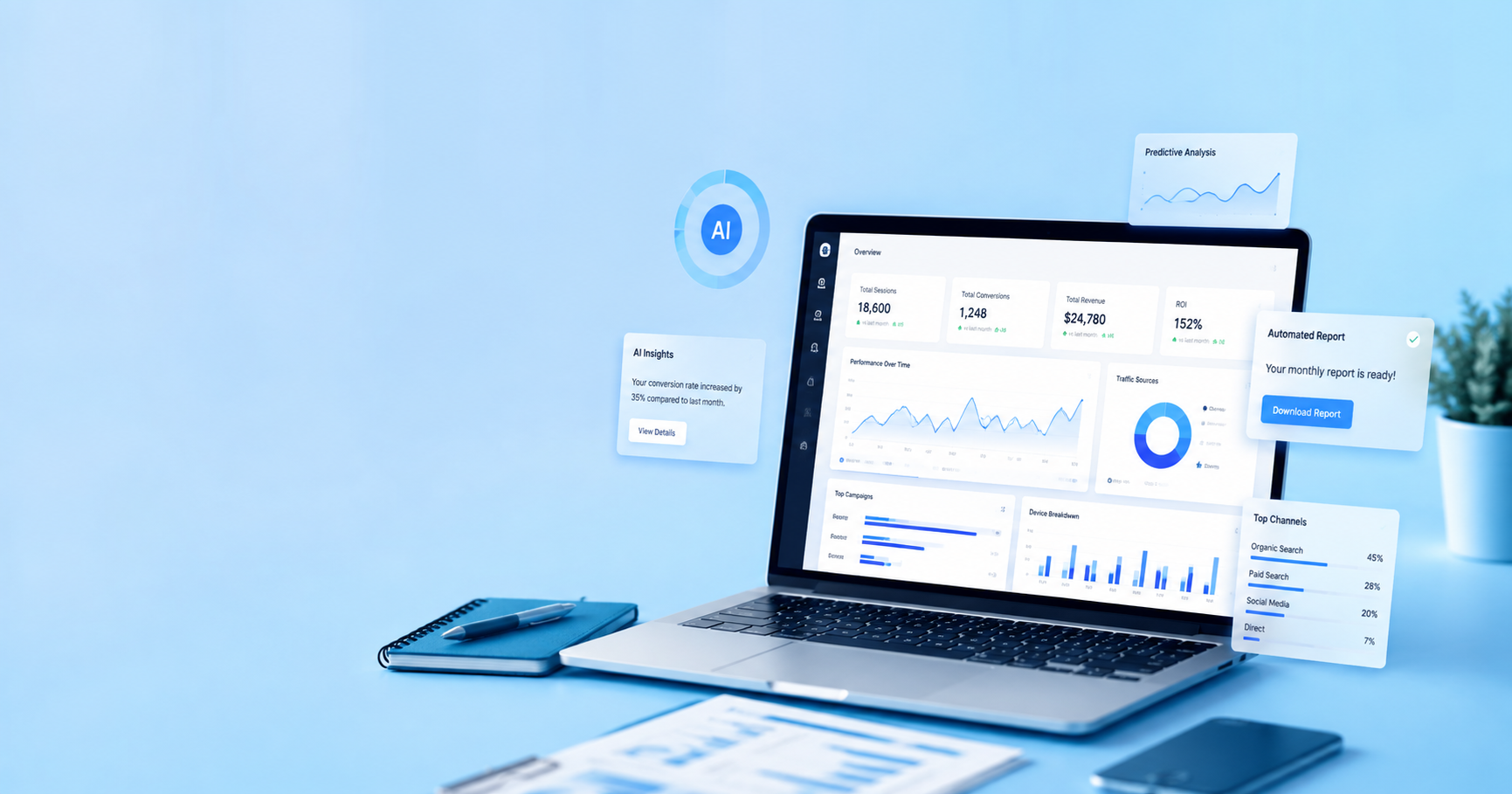
Instead of spending hours collecting, organizing, and reviewing data manually, marketers can use AI to bring data together, identify important changes, and surface insights that deserve attention.
But can it really save the day when a client wants a report in two hours?
Let’s look at a realistic scenario.
The Two-Hour Reporting Challenge
Imagine you work at a digital marketing agency managing 20 clients.
Each client may have several marketing channels:
- Google Ads
- Meta Ads
- Google Analytics
- Google Search Console
- LinkedIn Ads
- Shopify
- Email marketing
- CRM data
- SEO tools
Now imagine one of those clients asks for a performance update before an important meeting.
You don’t just need numbers.
You need answers.
What the Client Actually Wants
A client rarely wants to hear:
“Your sessions increased by 14%.”
They want to know:
- Why did traffic increase?
- Which campaign performed best?
- Why did conversions fall?
- Where did the leads come from?
- Which channel generated the best ROI?
- What should we do next?
- Are we on track to hit our goals?
This is where traditional reporting can become frustrating.
The report may contain hundreds of numbers, but the client may only care about five or six important answers.
Why Manual Reporting Takes So Long
Manual reporting sounds simple until you actually do it.
You log into one platform, export data, open another platform, download another file, copy numbers into a spreadsheet, check the date ranges, calculate changes, build charts, and then start writing the report.
And that’s just the beginning.
1. Data Is Scattered Across Different Platforms
Your client’s data probably doesn’t live in one place.
One part is in Google Ads.
Another is in Meta Ads.
Website performance is in GA4.
Organic search data is in Search Console.
Sales may be sitting inside Shopify or a CRM.
Getting a complete picture means jumping between multiple tools.
2. Cleaning Data Takes Time
Exported data isn’t always ready to use.
You may need to:
- Remove duplicate rows
- Check date ranges
- Standardize metrics
- Fix formatting
- Compare different periods
- Calculate percentages
- Match campaign names
- Verify totals
One small mistake can make an entire report inaccurate.
3. Building the Report Is Another Job
Once the data is ready, you still need to present it.
That means creating charts, tables, summaries, and explanations.
A report isn’t finished just because the numbers are correct.
It needs to make sense.
4. Finding Insights Takes Even Longer
This is probably the biggest challenge.
Collecting data is one thing.
Understanding what changed and why is another.
For example, you might notice:
Conversions dropped 18%.
But what caused the drop?
Was it:
- Lower traffic?
- Higher CPC?
- Poor landing-page performance?
- A campaign change?
- A tracking issue?
- A change in audience behavior?
Finding the answer requires investigation.
What Happens When You Use an AI Powered Analytics Tool?
This is where things become interesting.
An AI powered analytics tool can help automate parts of the process that normally require repetitive manual work.
Instead of starting with a blank spreadsheet, you start with connected data and automated analysis.
The goal isn’t simply to create another dashboard.
The goal is to help you get from data to an answer faster.
Bring Your Marketing Data Together
Instead of checking multiple platforms separately, an analytics platform can connect different data sources and bring important metrics into one place.
For an agency, that can mean less time switching between tabs and more time actually analyzing performance.
For example, you could bring together:
- Ad spend
- Clicks
- Impressions
- Conversions
- Revenue
- Website traffic
- SEO performance
- Customer data
Now you have a broader view of what is happening.
Spot Important Changes Faster
Imagine your client’s Meta Ads conversion rate suddenly drops.
Normally, someone may have to notice the change while reviewing the report.
AI-assisted analytics can help highlight unusual changes or important movements in the data.
That doesn’t mean AI magically knows the exact cause every time.
But it can help direct your attention toward areas that deserve investigation.
And that can save valuable time.
A Real-World Example: The Client Meeting Is in Two Hours
Let’s go back to our original situation.
It’s 10 a.m.
The client meeting starts at noon.
Your team needs to prepare a performance report.
Without an Automated Analytics Workflow
Your team might spend:
10:00–10:30
Collecting data from different platforms.
10:30–11:00
Cleaning and organizing the numbers.
11:00–11:30
Creating charts and comparing performance.
11:30–11:50
Writing the report.
11:50–12:00
Checking everything before sending it.
That’s two hours gone.
And there’s almost no time left to actually think about strategy.
With an AI-Assisted Analytics Workflow
The process can look very different.
10:00–10:15
Review connected data and key performance changes.
10:15–10:40
Investigate important trends and anomalies.
10:40–11:15
Build or update the client report.
11:15–11:40
Add strategic recommendations and context.
11:40–12:00
Review everything before the meeting.
The exact time savings will depend on your tools, data sources, setup, and reporting process.
But the important difference is this:
Your team spends less time preparing the data and more time understanding it.
AI Doesn’t Replace Your Marketing Team
This is an important point.
An AI powered analytics tool isn’t a replacement for a marketer.
It shouldn’t be.
AI can help process information, identify patterns, summarize data, and reduce repetitive work.
But marketers still need to provide context.
For example, an AI system might identify that:
Paid traffic increased while conversion rate declined.
A marketer needs to ask:
Why?
Maybe the campaign was expanded to a broader audience.
Maybe the landing page changed.
Maybe the client launched a new offer.
Maybe tracking isn’t working correctly.
Maybe competitors increased their ad spend.
The marketer provides the business context.
AI helps make the investigation faster.
The Difference Between Data and Insight
This is where many marketing reports fail.
They contain plenty of data but very little insight.
Data Says What Happened
For example:
- Traffic increased 25%.
- CPC increased 12%.
- Leads decreased 8%.
- Revenue increased 15%.
These numbers are useful.
But they’re not enough.
Insight Explains What Matters
A stronger report might say:
“Traffic increased by 25%, mainly from paid social, but lead volume fell by 8%. This suggests the additional traffic isn’t converting at the same rate. The landing page and audience targeting should be reviewed before increasing spend further.”
That’s much more useful.
The client now knows:
- What changed
- What might be causing it
- What needs attention
- What action to consider
That’s the difference between reporting numbers and helping clients make decisions.
Where an AI Powered Analytics Tool Can Save Time
There are several areas where AI-assisted analytics can reduce repetitive work.
Automated Data Collection
Instead of manually downloading data from multiple platforms every time you create a report, connected integrations can bring data into a central reporting environment.
This can significantly reduce repetitive data collection.
Faster Performance Analysis
AI can help summarize changes across campaigns, channels, and metrics.
Instead of checking every number manually, marketers can start with the areas that matter most.
Easier Report Creation
Once your data is organized, creating recurring reports becomes much easier.
You can standardize the structure and focus your time on reviewing the story behind the numbers.
Faster Client Updates
Not every client request requires a 30-page report.
Sometimes they just want to know:
“How are we doing this month?”
A connected analytics system can help you answer these questions faster without rebuilding everything from scratch.
What About Agencies Managing Multiple Clients?
This is where the value can become even more obvious.
One client asking for a report isn’t necessarily a major problem.
Twenty clients asking for reports during the same week is.
Reporting Doesn’t Scale Like Client Accounts
Imagine your agency grows from 5 clients to 25.
Your reporting workload doesn’t necessarily increase five times in a clean, predictable way.
Every client may have:
- Different platforms
- Different KPIs
- Different reporting formats
- Different goals
- Different reporting schedules
Your team can quickly become buried in repetitive work.
An AI powered analytics tool can help create a more repeatable reporting process.
Instead of reinventing reporting for every client, agencies can create standardized workflows and customize the important parts.
But Don’t Buy an AI Tool Just Because It Says “AI”
This is important.
Not every tool with an AI label will solve your reporting problems.
Before choosing an analytics platform, look beyond the buzzword.
Check the Integrations
Can it connect with the platforms your clients actually use?
If your clients depend on Google Ads, Meta, GA4, Shopify, LinkedIn, or CRM data, those connections matter.
Look at Automation
Ask:
What work does the platform actually remove from my team’s workload?
Does it automate data collection?
Reporting?
Calculations?
Insights?
Alerts?
The more repetitive work it removes, the more useful it can become.
Look at Customization
Every agency has different clients.
You may need different KPIs, dashboards, templates, filters, and reporting structures.
A good analytics workflow should adapt to your needs rather than forcing every client into the same format.
Check How Insights Are Presented
AI-generated information is only useful if people can understand it.
The platform should help you move from:
Data → Context → Insight → Action
rather than simply generating another wall of numbers.
The Biggest Benefit Isn’t Just Saving Hours
Saving time is a major benefit.
But there’s something bigger.
Better use of your team’s time.
Think about what your marketing team could do with the hours currently spent on repetitive reporting.
They could:
- Analyze campaigns more deeply
- Improve landing pages
- Test new audiences
- Work on SEO
- Talk to clients
- Develop new strategies
- Identify growth opportunities
- Focus on revenue-driving activities
That’s a much better use of skilled marketers than copying numbers between spreadsheets.
What Clients Really Expect From Reporting
Clients don’t hire agencies because they want beautifully formatted spreadsheets.
They hire agencies because they want results.
Reporting should help answer three basic questions:
What happened?
Show the important performance changes.
Why did it happen?
Explain the likely drivers behind those changes.
What should we do next?
Turn the findings into practical actions.
If your reporting process can answer these three questions quickly, you’re giving clients much more value than a traditional data dump.
So, Can an AI Powered Analytics Tool Save the Day?
Let’s return to our original scenario.
Your client wants a report in two hours.
Can an AI powered analytics tool save the day?
It can certainly help—but it isn’t magic.
The biggest advantage is reducing the manual work around collecting, organizing, reviewing, and presenting marketing data.
That gives your team more time to focus on the part clients actually pay for:
understanding performance and making better marketing decisions.
The goal shouldn’t be to use AI just because it’s trendy.
The goal should be simple:
Spend less time preparing reports and more time using the information inside them.
Final Thoughts
Marketing reporting doesn’t have to be a race against the clock every time a client asks for an update.
If your team is still spending hours collecting data, copying numbers, building spreadsheets, and manually looking for trends, there is a better way to structure the process.
An AI powered analytics tool can help automate the repetitive parts while giving marketers a faster starting point for analysis.
And when the next client email arrives saying:
“Can you send me the latest report before our meeting?”
You don’t have to panic.
You can focus on the questions that actually matter:
What changed? Why did it change? And what should we do next?
That’s where reporting stops being a task—and starts becoming a real part of your marketing strategy.