Manage and Update OKRs
Users can modify and manage existing OKRs details. This allows them to edit key information such as the OKRs type, title, timeframe, and progress settings. Updating these details helps ensure that the OKRs remains aligned with current priorities and accurately reflects the latest goals, timelines, and progress tracking requirements.
Delete OKR -
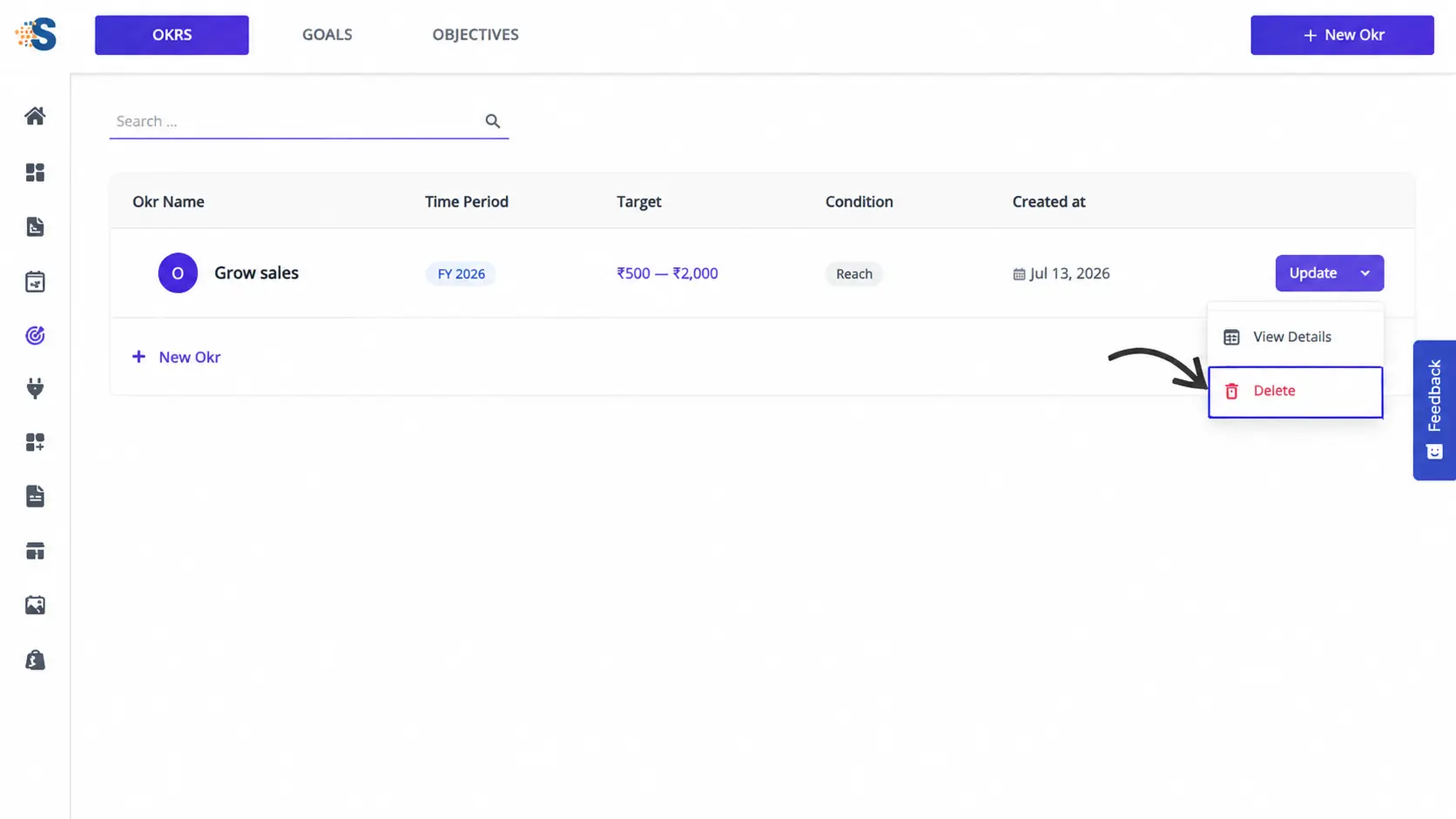
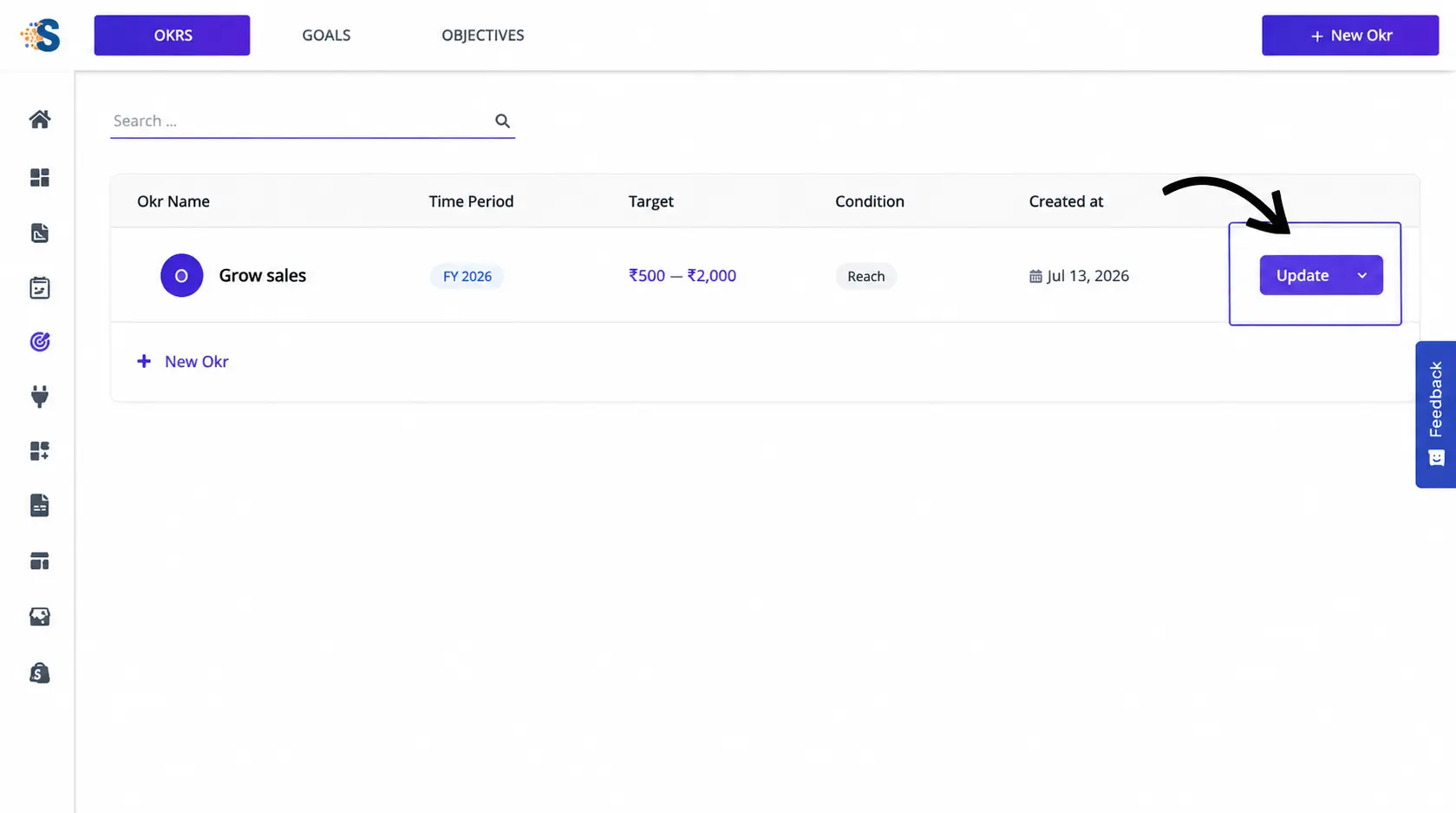
To delete an OKRs, click the down arrow icon to open the available menu options, then select Delete. The user can remove the OKRs from the system after confirming the deletion.