
Enhance Campaigns with Google Dashboards
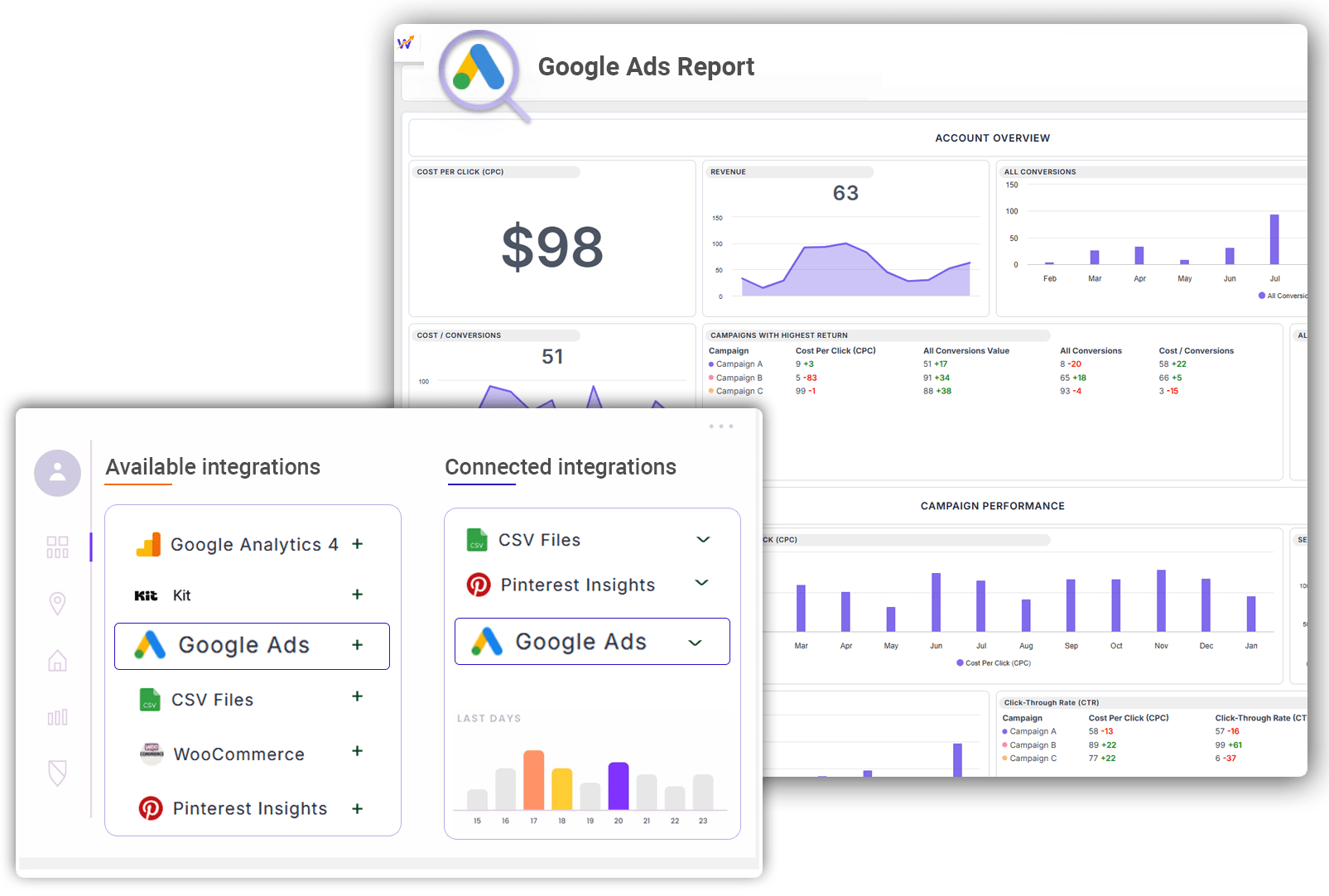
Key features to use Google Ads on StatNexa

Keyword Targeting
Ad Customization
Automated Bidding
Budget Control
Performance Analytics
Performance Analytics

Audience Segmentation
Performance Analytics
Conversion Tracking
A/B Testing
Geo-Targeting
Ad Extensions
Pre-Built Template View
You can now explore and preview pre-built templates before applying them. Instantly streamline your StatNexa automation with ready-to-use workflows—no coding required. Just preview, select, and deploy in a click!
Integrating Google Ads with StatNexa
Google Ads helps you reach the right audience, and StatNexa connects your ads to the entire marketing funnel. Track the complete customer journey from click to purchase. Optimize ad performance, identify profitable leads, and refine your strategy for long-term growth.
Unlock the full potential of your marketing today with Google Ads + StatNexa integration!"
This version focuses on the connection between Google Ads and StatNexa for tracking and optimizing your marketing funnel.
How to connect Google Ads account with StatNexa

StatNexa is your all-in-one marketing analytics solution.
The easiest way to grow your business? Scale what works and ditch what doesn’t. Custom Segments help you identify what’s effective—whether it's emails, lead magnets, webinars, and more—to boost your marketing.
Why StatNexa and Google Ads?

True Lifetime Lead Value

Advanced Campaign Segmentation

Key Metrics that Matter
All the Metrics and Dimensions you need for Google Ads
Dimensions
Metrics
Consolidate your Google Ads statistics into a single, understandable dashboard.
Improve efficiency with widgets preloaded with key KPIs. Just drag and drop and you're done, turning data tracking into a seamless experience. Easily extend your analysis.

Description

Ad Group Status
Available Metrics, Segments, & Dimensions
Users typically incorporate specific metrics and dimensions when compiling reports for their Google Ads analytics.
Campaign Status
Ad Network
Device
Campaign Status
Display Ad with image
Keyword Without Match Type
Keyword
Gender
Bidding Strategy Type
We have more 60+ metrics and dimensions available for your business.
Feel free to connect and create your custom dashboard.
If your question is not answered here,
please Contact Us directly!
What is a Google Ads reporting dashboard?
A Google Ads reporting dashboard visualizes campaign performance in one place. It helps marketers track ad spend, clicks, impressions, conversions, CPC, CTR, conversion rates, and other KPIs to understand campaign effectiveness and advertising ROI.
What Google Ads metrics can I track in StatNexa?
You can track metrics such as impressions, clicks, CTR, CPC, conversions, conversion rate, cost per conversion, conversion value, impression share, interactions, video views, and other Google Ads performance metrics.
Can I track Google Ads campaign and keyword performance?
Yes. StatNexa lets you analyze Google Ads data by dimensions such as campaign, ad group, keyword, device, ad network, bidding strategy, and demographics. This helps identify which campaigns and keywords drive stronger results.
Can I track Google Ads ROAS and conversion performance?
Yes. StatNexa can report conversion metrics and combine Google Ads cost data with revenue or sales data from other connected sources. This helps marketers evaluate ROAS, conversion efficiency, and overall advertising performance.
Can I combine Google Ads with GA4 and other marketing data?
Yes. StatNexa can combine Google Ads data with GA4, CRM, sales, and other connected data sources. This provides a broader view of the customer journey and helps connect advertising spend with website activity, leads, conversions, and revenue.
Which Google Ads KPIs should I include in a client report?
Choose KPIs based on campaign goals. Common metrics include ad spend, impressions, clicks, CTR, CPC, conversions, conversion rate, cost per conversion, conversion value, and ROAS. Focus on KPIs that clearly connect advertising activity with business outcomes.
 Contact Us