
Salesforce: Fueling Business Growth.

Key features to use Salesforce on StatNexa

Customer Relationship Management
Sales Automation
Marketing Automation
Advanced Reporting & Analytics
Lead and Opportunity Management
Customizable Dashboards
Integration with Third-Party Apps
Collaboration Tools
AI-Powered Insights (Einstein)
Mobile Access
Pre-Built Template View
You can now explore and preview pre-built templates before applying them. Instantly streamline your StatNexa automation with ready-to-use workflows—no coding required. Just preview, select, and deploy in a click!
Integrating Salesforce with StatNexa
Salesforce is a leading CRM platform that helps businesses manage customer relationships, automate sales, and drive growth through data-driven insights.
By integrating Salesforce with StatNexa, you can track sales performance, analyze customer behavior, and optimize strategies using real-time insights, enabling you to maximize ROI and refine your business growth efforts.
How to connect Salesforce account with StatNexa
All the Metrics and Dimensions you need for Salesforce
Dimensions
Metrics
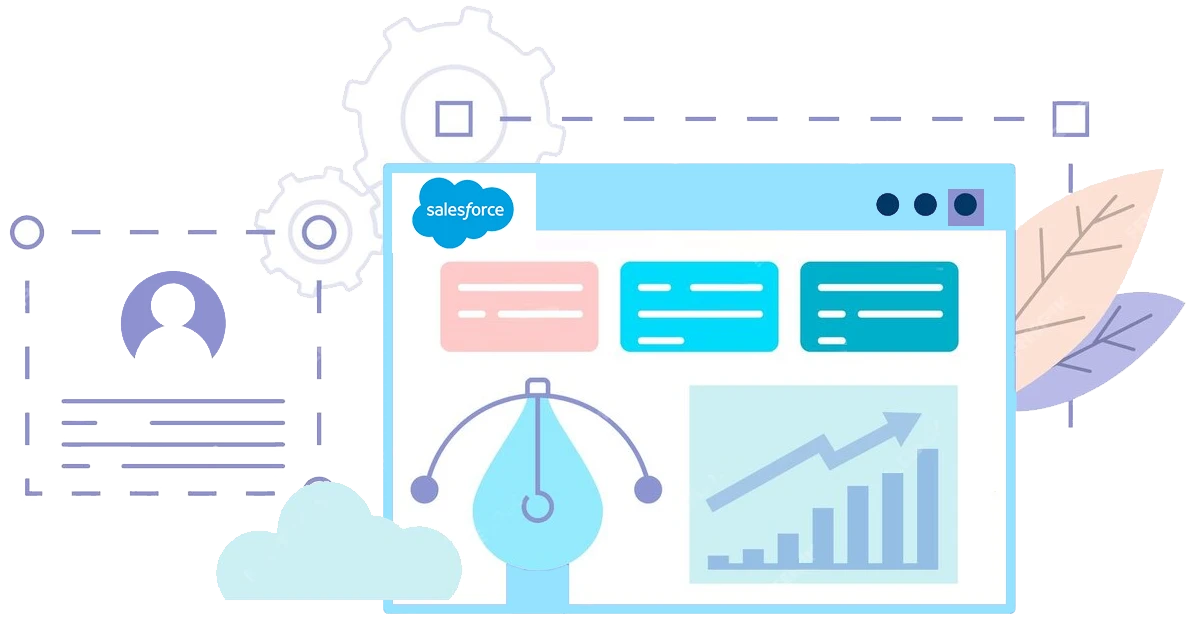
Consolidate your Salesforce statistics into a single, understandable dashboard.
Improve efficiency with widgets preloaded with key KPIs. Just drag and drop and you're done, turning data tracking into a seamless experience. Easily extend your analysis.
Leads

New Customer
StatNexa is your all-in-one marketing analytics solution.
The easiest way to grow your business? Scale what works and ditch what doesn’t. Custom Segments help you identify what’s effective—whether it's emails, lead magnets, webinars, and more—to boost your marketing.
Available Metrics, Segments, & Dimensions
Users typically incorporate specific metrics and dimensions when compiling reports for their Salesforce analytics.
Amount
Amount Won
Amount Lost
Expected Revenue
Opportunity
Win Rate
Actual Cost
Budgeted Cost
Campaign
Num Sent
Converted Leads
Contact
Converted Revenue
Conversion Rate
Won Opportunities
We have more 60+ metrics and dimensions available for your business.
Feel free to connect and create your custom dashboard.
If your question is not answered here,
please Contact Us directly!
What is Salesforce reporting?
Salesforce reporting turns CRM data into dashboards, KPIs, sales reports, and actionable business insights.
Can I create a Salesforce dashboard with StatNexa?
Yes. StatNexa connects Salesforce data to customizable dashboards with pre-built widgets and visual reports.
Can I automate Salesforce reporting?
Yes. StatNexa helps automate Salesforce reporting and dashboard updates, reducing manual data collection and analysis.
Can AI analyze Salesforce data?
Yes. StatNexa provides AI-powered insights to help identify trends, performance changes, and business opportunities.
What Salesforce metrics can I track in StatNexa?
You can track opportunities, revenue, win rate, leads, conversions, campaigns, contacts, and 60+ Salesforce metrics and dimensions.
Can I track Salesforce sales performance in real time?
Yes. StatNexa helps monitor Salesforce sales performance, leads, opportunities, revenue, and conversion metrics in a centralized dashboard.
 Contact Us