
Integrate with Zoho Books
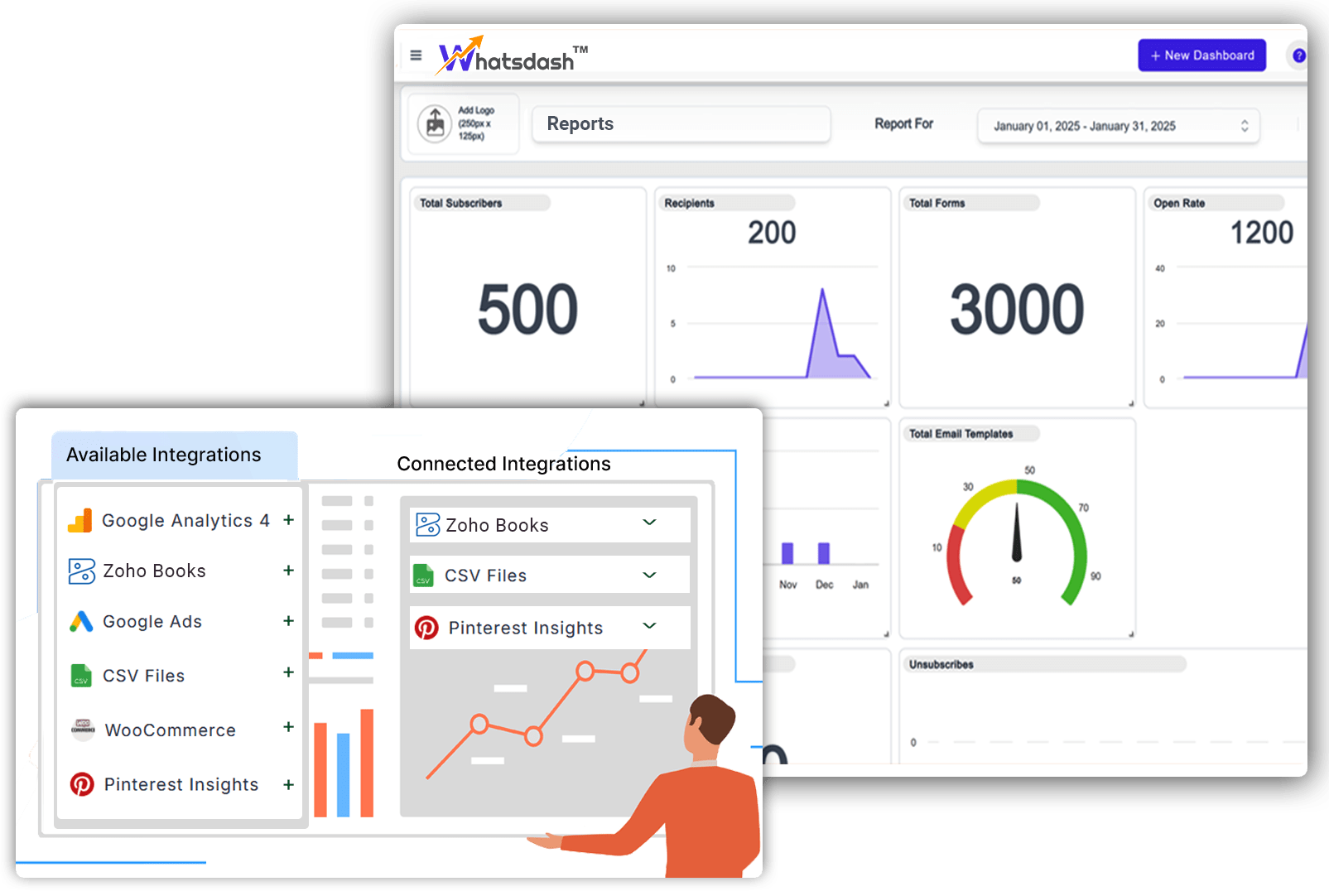
Key features to use Zoho Books on StatNexa

Automated invoicing and billing
Real-time expense tracking
Bank reconciliation
Inventory management
Client and vendor app

GST/VAT compliant reports
Multi-currency support
Project time tracking
Seamless integrations (CRM)
Mobile access and cloud sync
Integrating Zoho Books with StatNexa
Integrating Zoho Books with StatNexa allows you to send invoices, payment reminders, and receipts directly. It streamlines communication and ensures faster customer response and payment collection.
The integration keeps your financial interactions transparent and traceable within StatNexa. Automate routine accounting messages and enhance client engagement without leaving your Zoho Books workflow.

All the Metrics and Dimensions you need for Zoho Books
Dimensions
Metrics
StatNexa is your all-in-one marketing analytics solution.
The easiest way to grow your business? Scale what works and ditch what doesn’t. Custom Segments help you identify what’s effective—whether it's emails, lead magnets, webinars, and more—to boost your marketing.
Available Metrics, Segments, & Dimensions
Users typically incorporate specific metrics and dimensions when compiling reports for their Zoho Books analytics.
Shipping Charge
Write Off Amount
BCY Total
Invoice Amount
Invoice Balance
Reminders Sent
Exchange Rate
Total Expenses
Expenses Without Tax
BCY Total Without Tax
Adjustment
Expense ID
Customer Name
Location Name
Expenses Status
Expenses Description
Expenses Account Name
Currency
Date
Invoice ID
Invoice Customer Name
Invoice Status
Invoice Number
Invoice Currency Code
Invoice Created Time
Invoice Due Date
Invoice Date
Invoice Location Name
Day Of Week Name(ISO)
Year Of Week(ISO)
We have more 60+ metrics and dimensions available for your business.
Feel free to connect and create your custom dashboard.
If your question is not answered here,
please Contact Us directly!
How can Zoho Books data improve financial reporting?
StatNexa transforms Zoho Books data into centralized dashboards and reports for revenue, expenses, invoices, and receivables. This gives businesses clearer visibility into financial performance and cash flow.
What Zoho Books metrics can I track with StatNexa?
You can track total expenses, invoice amounts, invoice balances, reminders, write-offs, shipping charges, and exchange rates. StatNexa supports 31 dimensions and 11 metrics, with 60+ metrics and dimensions available overall.
Can I monitor invoices and outstanding receivables from Zoho Books?
Yes. StatNexa helps track invoice amounts, balances, due dates, payment reminders, and customer information. This makes it easier to monitor receivables and identify potential collection issues.
How can Zoho Books help businesses track expenses and cash flow?
StatNexa visualizes expense and invoice data to help businesses monitor spending, outstanding payments, and overall financial health.Teams can analyze expenses with or without tax and compare financial performance over time.
Can Zoho Books data be combined with sales and marketing data?
Yes. StatNexa can place Zoho Books financial results alongside marketing and sales data for unified business reporting. This helps teams connect campaigns and sales activity with actual financial outcomes.
Can I create a customized Zoho Books dashboard?
Yes. StatNexa lets you customize Zoho Books dashboards using relevant metrics, dimensions, and visualizations. You can build focused reports for finance, management, sales, operations, or client reporting.
 Contact Us